Simplify Localization with the MotaWord Translation API
The MotaWord API lets you run translation like a system: reliable, repeatable, and easy to scale. Connect your product, CMS, or content pipeline to MotaWord and automate the steps that usually slow teams down: requesting translations, managing versions, chasing status updates, and delivering files back to the right place.
It’s built for teams that ship regularly and want localization to keep up without adding process, meetings, or manual work.
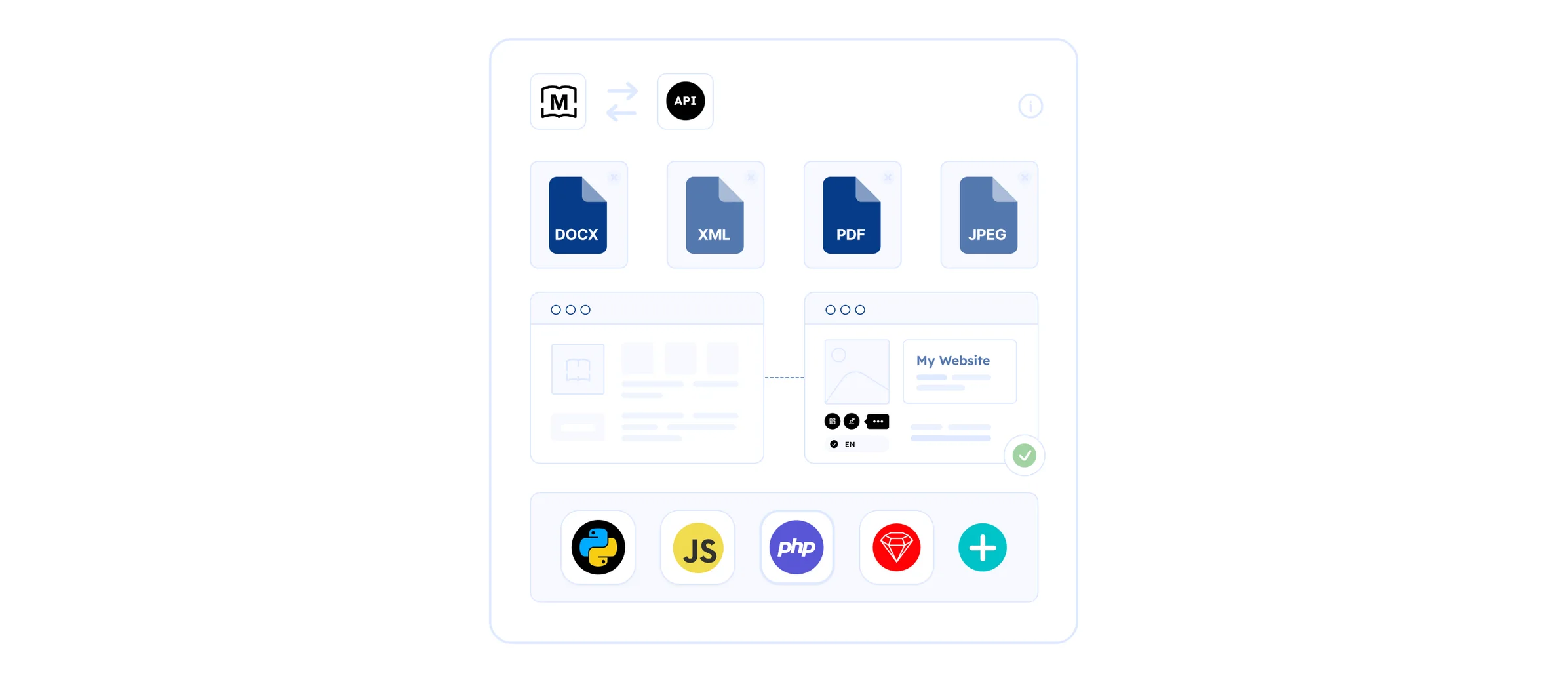



Power Up Your Localization with the MotaWord API
When translation is integrated into your workflow, releases don’t bottleneck, and global launches feel routine. The MotaWord Translation API helps you move faster while keeping quality and terminology consistent across languages. Read our complete guide to translation APIs for business workflows.
-
Ship multilingual updates on schedule:
Trigger translation as part of your normal release cycle so international content doesn’t lag.
-
Reduce operational overhead:
Replace manual uploads, spreadsheets, status checks, and file shuffling with an automated workflow.
-
Keep quality consistent across markets:
Support glossaries and style guides so key terms and brand voice stay aligned across releases.
-
Stay in control of cost:
See a quote first, and only start paid work when you launch.
-
Scale without chaos:
Whether you manage one project or hundreds, the process stays predictable and trackable.
What Teams Get from an API-Driven Localization Workflow
MotaWord’s API is ideal when translation isn’t an occasional task. It is part of ongoing operations.
-
Faster releases, fewer handoffs:
Translation should move as smoothly as the rest of your pipeline. With an API integration, content can be sent for translation the moment it changes, and completed files can be returned automatically without someone coordinating every step.
-
Visibility stakeholders can trust:
Instead of asking “Is French done yet?” teams can rely on clear status and progress. That means fewer check-ins, fewer surprises, and better planning across product, marketing, and support.
-
Better consistency over time:
Quality doesn’t come from a one-time effort. It comes from consistency across releases. With glossary and style guide support, the language your customers see stays aligned as your product evolves.
-
A workflow that fits your org:
Run localization the way you already work: - Content teams syncing translations from a CMS export - Product teams shipping localized UI strings alongside releases - Support teams keeping help centers in sync across languages - Legal teams managing sensitive, deadline-driven translation with traceable progress
Quote-Based Pricing You Can Control
MotaWord’s workflow is designed to make costs predictable and easy to manage.
Get a quote up front
Creating a project generates a quote you can review before committing.

launch a project
, not when you create it.
Keep changes transparent
If you update documents or language pairs, the quote can update too, so you’re never guessing.
Support quality without extra overhead
Glossaries and style guides are supported as no-cost platform features that help maintain consistency.
Tailored Solutions for Every Team
MotaWord’s API works best when translation needs to run continuously, not as a one-off request.
-
For Product Teams:
Ship multilingual product updates without slowing engineering. Keep UI strings, release notes, and documentation aligned across languages, every release.
-
For Marketing and Content Teams:
Launch globally with less back and forth. Push updates for translation as content changes, and keep terminology consistent across campaigns and regions.
-
For Support and Documentation Teams:
Keep help content current across languages. Automated workflows reduce drift, so international customers aren’t stuck with outdated instructions.
-
For E-commerce Businesses:
Keep catalogs, product pages, and promotional content aligned as inventory and messaging change without a localization scramble every time.
-
For Legal and Government Entities:
Translate sensitive, deadline-driven materials with a clear process: consistent terminology, trackable status, and predictable delivery.
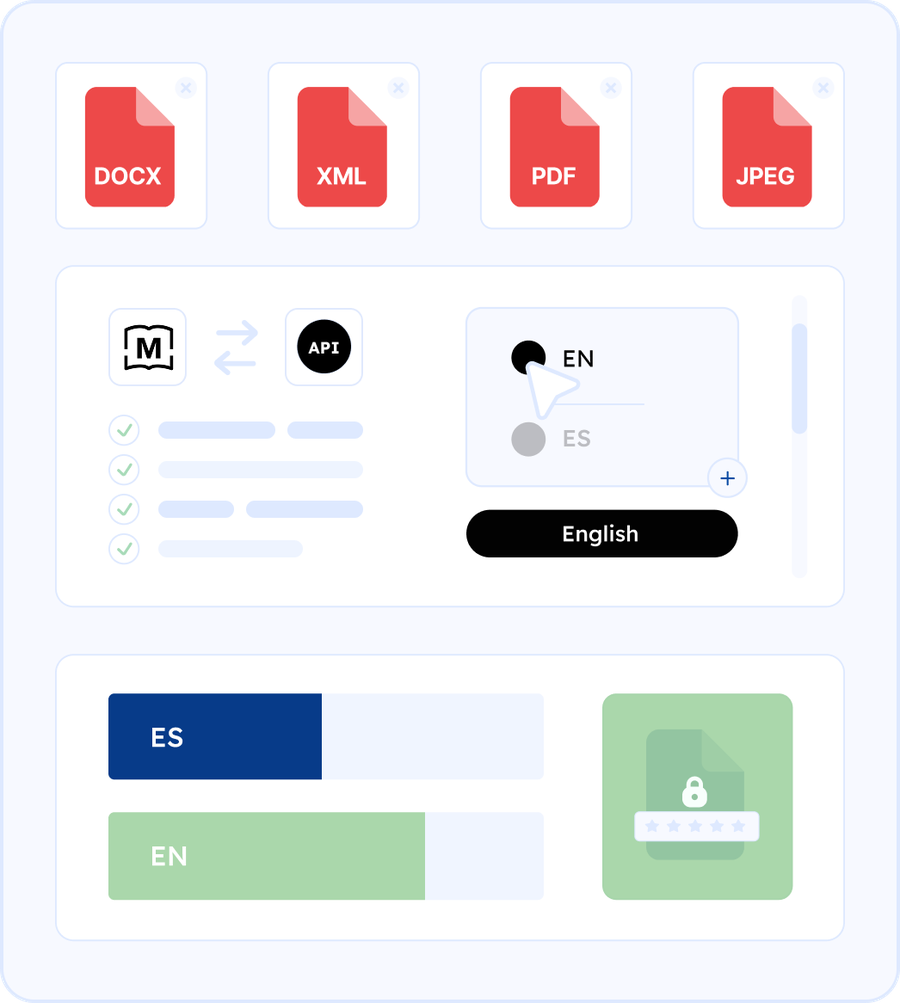
- Create a project to generate a quote and define language pairs and options.
- Upload documents (and optionally add glossaries and style guides via the platform workflow).
- Launch when you’re ready to start work (this is when billing begins).
- Track progress per language, then download completed deliverables.

API Advantages
Authentication designed for integration
Use a developer account and an API application with client credentials. Keep access controlled per app or client, and build workflows that match how your org manages integrations.
SDK support and client generation
SDK options are available, and Swagger support at the root endpoint can help generate clients in additional languages so teams can integrate quickly in their preferred stack.
Operational guardrails
The API documentation includes rate-limit guidance (with a path to request increases), making it easier to run predictable automation at scale.
- Production and sandbox environments: Test safely using a sandbox host that simulates progress and downloads, then switch to production when you’re ready.
- Webhooks for event-driven automation:
Set a
callback_urlto receive milestone events (for example, translated, proofread, completed). This is ideal for: - Automatically pulling deliverables - Updating your CMS - Opening a PR with translated files - Notifying stakeholders in Slack or email - Discoverable capabilities: Build resilient integrations using endpoints that help you: - Query supported languages - Validate supported file formats - Avoid hardcoding assumptions as your content footprint grows


Frequently Asked Questions
Need More Assistance?
Upload your documents for an instant, no-obligation quote, or talk to a real person on live chat 24/7. We can also set up a live demo for your organization with one of our colleagues.
Projects are quote-based. You can review the quote first, and you’re charged when you launch a project.
Yes. Many teams trigger translation from their CMS exports, release pipelines, or scheduled jobs, then automatically pull completed files back into the right place.
Yes. You can track progress per language, and you can also use webhooks so your systems get notified automatically as work completes.
Yes. Use the sandbox environment to validate your integration and workflow behavior safely before switching to production.
Yes. Non-technical teams benefit from faster turnaround, clearer status, and fewer handoffs. Technical teams benefit from a clean lifecycle, sandbox testing, webhooks, and SDK and Swagger support.